
GrabFood ranking is not one list that every customer sees. Grab ranks search results based on historical data, such as what each user ordered before1, according to its own account of how the app works, published on May 11, 20232. Before any ranking, a store is only shown to customers inside a delivery radius that Grab's system sets from moment to moment, through an automated system that allocates delivery partners efficiently3. Grab publishes no formula and no weights. What it does publish, in its merchant help centre and guides, is a short list of things that decide whether your store is shown at all, how it is labelled, and which sections of the app it can enter. This article goes through them, market by market, and keeps to what Grab itself says.
Why does each customer see a different GrabFood ranking?
Because Grab personalises it. Grab's example: if a user consistently orders from the same restaurant every time she searches for Japanese food, that restaurant could become her top search result for Japanese food in the future4. Customers who come back to the same restaurant can also repeat the order through an "Order Again" section, without searching at all5. And when a search finds very few matches, Grab recommends substitutes or similar options6.
Two things follow for an owner. First, the strongest position you can hold with a customer is the one their last good order gives you: a customer who was happy comes back to you through their own history, before any list. Second, checking where your store sits from your own phone shows you your ranking for you, not for your customers. It is a poor way to judge your position, and a poor reason to change what works.
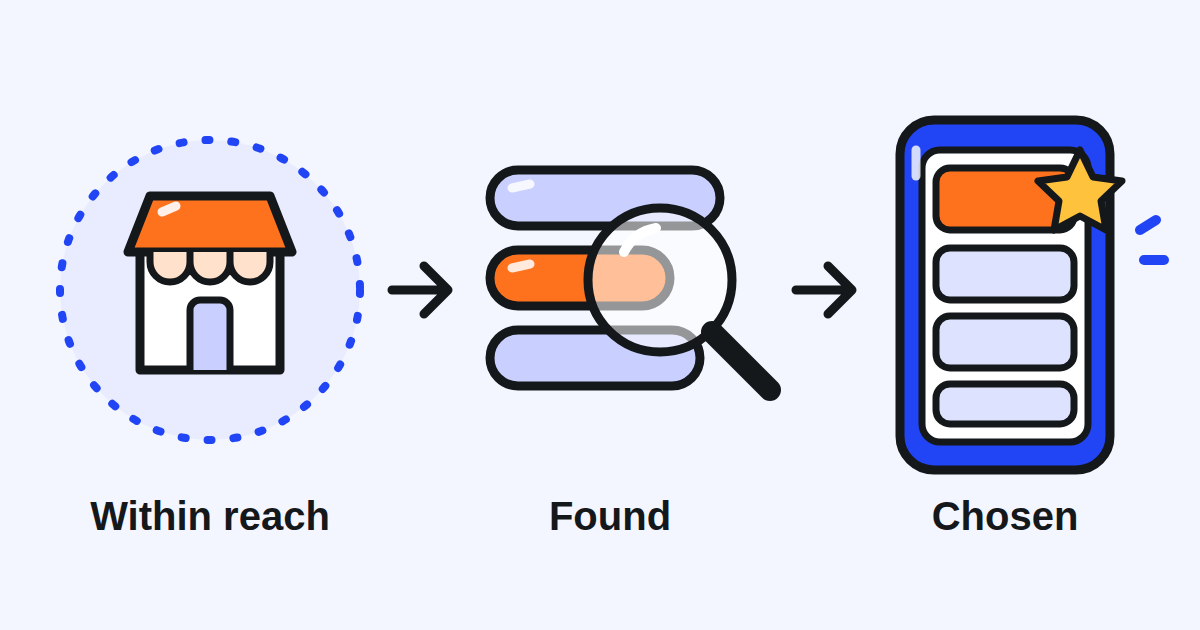
Why does your store disappear from the app?
Owners in several markets ask this before they ask about ranking, and Grab names two causes: the delivery radius and the automatic pause.
The delivery radius moves. Grab's Singapore help centre says it takes into account the effective supply of delivery partners in an area to set the delivery radius on a dynamic, real time basis7. Grab's Malaysian help centre lists what moves it: customer demand, meaning the current volume of orders being placed in your area8; delivery partner availability, the live supply of available riders in your area9; and the weather and traffic, since heavy rain, storms or severe traffic can reduce the serviceable area10. Its advice when your store seems to have vanished: wait 30 minutes and check again11. A customer a few kilometres away may simply be outside your radius at that moment. Nothing about your listing has changed.
The store can be paused for you. Grab's Thai help centre explains that a store can be temporarily paused because of inactivity or because delivery partners or customers reported it closed12. It lists three common reasons: opening hours that are too short13, a store inactive for more than 30 days according to Grab's records14, and all orders lost to cancellations the merchant could have avoided15. Vietnam's help centre gives its own list: a store with no item a customer can add to the cart16, a store open on the app for less than one hour a week17, and a store with no completed order in the last 90 days18.
What to do:
- Keep your hours on the app the hours you really serve, and close the store on the app on a day you cannot cook.
- At the rush, use Busy Mode to manage your order volumes during peak periods19, rather than cancelling orders you accepted.
- Mark items as out of stock, so that your menu reflects the dishes you can prepare when customers order20.
- If you are paused, the app shows it at the top. Tap Open now, then Reconfirm business hours21, check them and save.
What can you set yourself that Grab uses to show your store?
Your labels. Grab's Philippine help centre states it plainly: Grab uses cuisine and dish labels to display your store on GrabFood and highlights a few of them on your store's detail page22. You set them yourself in the GrabMerchant app, under your store profile, in Store experience & certification23. Grab's Singapore help centre adds why they matter: cuisine categories are highly effective in converting browsers into customers, because many users search by cuisine type24. It recommends up to five tags that best reflect your menu25.
What to do: open your labels and read them as a customer would. A label that does not match what you sell brings the wrong customers to your page, and a missing one hides you from the right ones.
Your promotions. In Singapore, Grab says that restaurants that run a promotion automatically get a Promo tag and are featured in the Deals Around You section on GrabFood26. A promotion is therefore also a way to be listed in a section, not only a discount. The same page invites stores to join Grab's thematic campaigns, which often receive extra marketing support such as banners, in-app messages and social media promotions27.
What customers say about you. On its Singapore merchant blog, Grab describes Grab Discover, a community-powered feed in the Grab app28, and says that positive reviews, high ratings and share-worthy dishes increase the chance of your store appearing in it29. We found Discover described on Grab's Singapore blog only; whether it runs in your market is something to check in your own app.
What does a new store get in its first weeks?
In Indonesia, Grab publishes a boosting checklist for new stores. A new store has 45 days from the day it first goes live to complete it30. The tasks: add opening hours of at least 25 hours a week31, and add at least six menu items, each with a photo and a description32. A store that completes it receives extra visibility through the algorithm, a ranking boost33, which runs only for a set period, for example a few weeks34, and access to recommended promotion campaigns limited to new stores35. Grab is careful about what the boost brings: it cannot guarantee a number of views, visitors or orders36. After 45 days a store can still improve its listing, but it no longer qualifies for the boost or the recommended promotions37. Once the boost period ends, Grab says performance depends more on quality, price and the promotions the store joins38.
We found this article only in Grab's Indonesian help centre, when this guide was written. If you are opening a store elsewhere, ask Grab whether a programme for new stores applies to you, and do the same tasks anyway: they are the basics of a listing a customer can order from.
Which collections does Grab place stores in on its own criteria?
Grab 5-Star Eats is the programme with published criteria. In Singapore, a store on GrabFood needs a rating of 4.539, at least 500 ratings over its lifetime40, a Store Completion Score of 85 out of 10041 and no safety incident in the month42. Each store is evaluated individually43. A store that qualifies is featured with other stores in a special 5-Star Eats collection on GrabFood44, and Grab does not charge any fee for the programme45.
The Philippines works differently: merchants are evaluated at a brand level46, and the threshold is a Store Completion Score of 85% or higher across all branches over the last 90 days47. Grab also introduced a probationary tier for merchants close to meeting the criteria48, whose perk is a place in the Quality Picks carousel on the Grab app49. The page describes a cycle that ran to August 31, 202650, so check the current one in your app.
Neither page defines the Store Completion Score. Grab does not say, in the pages this article relies on, which orders it counts or how it is calculated. Ask Grab for your own score and for what lowers it before you aim for a threshold.
What can you pay for, and what does it buy?
A slot, not a ranking. Grab's Thai help centre says ads are displayed in three areas of the app: in feed, in transit and in search51. Search ads appear at the top of various Grab search listings52. Grab's pages describe an ad as a placement that runs while the campaign runs. None of them says that an ad changes where your store sits in the lists customers see without it. What a click or an order on an ad costs is a separate question, with its own rules per market.
Singapore also sells radius. Its Minimum Radius Subscription guarantees a minimum 2.5 km radius, regardless of weather or delivery partner supply53, from $250 per outlet per month before GST in a limited time offer54, with a minimum subscription of six months55. Grab reports that in its pilot, the consistent visibility led to 10% more orders among participating merchants compared with those that did not take part56. That is Grab's figure from its own pilot, not a promise for your store. Islandwide Delivery extends the radius up to 8, 14 or 27 km57, with prices by zone and tier.
Spending on visibility can be the right decision. Make it with the numbers in front of you: what the placement or the radius costs each month, how many extra orders it would need to bring, and what each of those orders leaves you after commission and food cost.
What does Grab not publish about its ranking?
How it weighs anything. None of Grab's pages gives a formula, the weight of a rating against a delivery time, or the order in which factors count. Lists of ranking factors you will read elsewhere are inferences from experience, useful as hypotheses. What Grab confirms is what this article cites: that results are personalised, that the radius moves with rider supply, that labels are used to show a store, that a promotion earns a tag and a section in Singapore, that a new store can be boosted in Indonesia, and that 5-Star Eats has published thresholds.
What should you check this week?
- Your opening hours on the app: the hours you really serve, and enough of them each week.
- The cancellations you could have avoided last week, and the hours they happened.
- Your out of stock items: switched off when they run out, switched back on when they return.
- Your cuisine and dish labels: do they say what customers come to you for?
- A promotion or a Grab campaign you could join, and the section it would list you in.
- If your store is new: every menu item with a photo and a description, and your first weeks' hours.
- Your rating and your Store Completion Score, against the 5-Star Eats thresholds in your market.
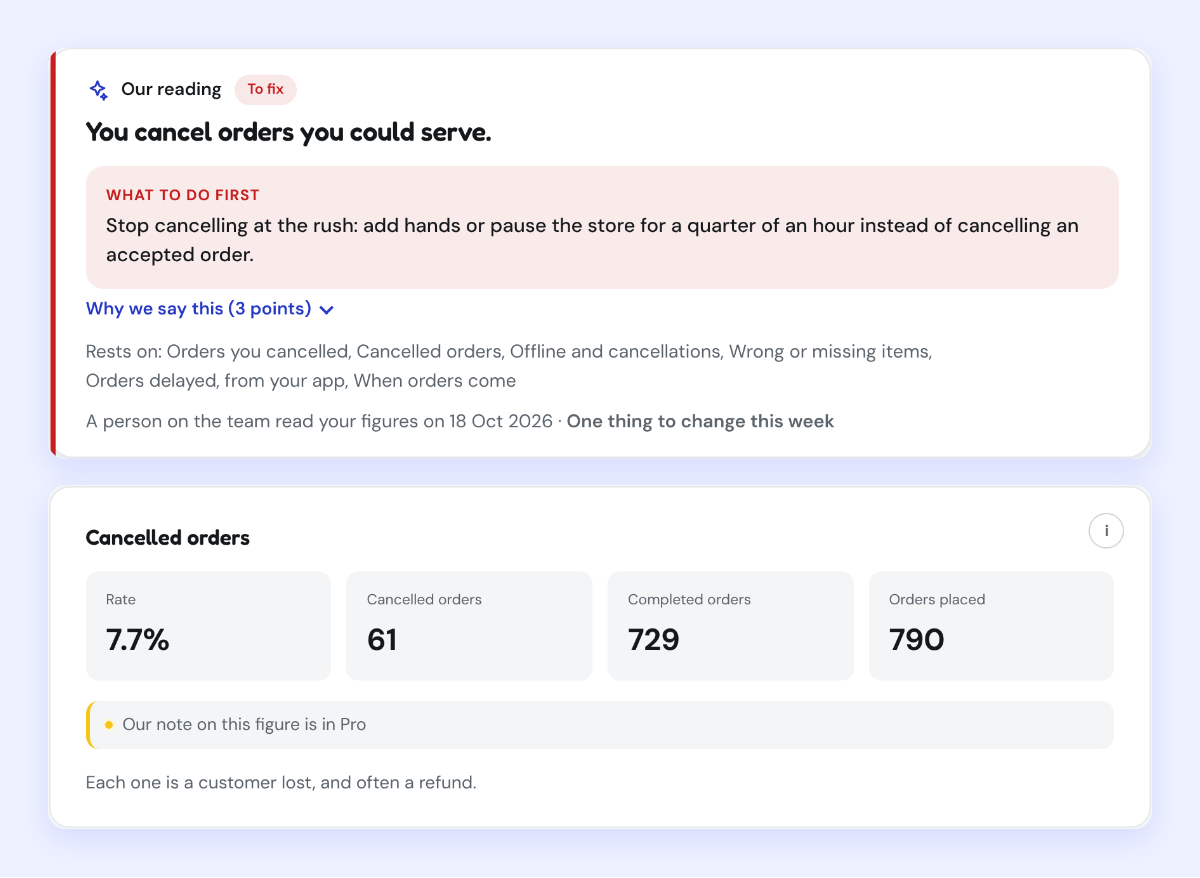
Kontimo helps people running restaurants on Grab read their operations, menu and reviews each month, explained in plain language, so the next thing to fix is the one that keeps your store in front of customers.