
You reply to GrabFood reviews in the GrabMerchant app: open the Feedback tile, go to Ratings and reviews, select the review you want to answer, tap Reply and submit1. Grab built this Merchant Reply feature so that you can thank customers for their feedback or address the concerns they raised2, and it recommends replying to fair feedback directly, especially once you have taken corrective action3. What you cannot do is make an honest review disappear: Grab will not remove reviews that give an opinion on the taste, preparation, packaging, portion or price of what was ordered4. Only a review that breaks Grab's rules is reported, and the rest is answered.
This guide covers every market where Grab runs food delivery: Singapore, Malaysia, Thailand, the Philippines, Vietnam and Indonesia. Grab's merchant help centre describes replies and reports in each of them, in its own words, and where a market works differently, the guide says so.
Why do GrabFood reviews matter to your orders?
Because customers read them before they order. Grab says that 65% of its customers rely on online reviews to learn more about a restaurant or store5. When they browse, they see your average rating and the number of ratings you have received right from your thumbnail6. In a story published on August 25, 20237, Grab reported that user sessions that read reviews had a 7 percentage point higher conversion rate than sessions that did not8. Written reviews are fairly new on Grab: users have been able to write them since 20229.
Your rating is an average over a long window. Your store rating is the average of all customer ratings from the past 12 months10; Grab's Thai help page states the same twelve months11, and in Vietnam the figure is updated every day12. A bad week therefore does not sink a rating built over a year, and a year of good ratings is not rebuilt in a week either. What moves the rating is the run of orders, which is why the reply matters less than the fix behind it.
In the Philippines the rating also counts in Grab's Merchant Quality Score. That customer rating metric reflects the average rating your customers have given you over the past 30 days13, and for every 0.1 below the target rating of 4.8, two points are deducted from the score14.
Good reviews can also work for you in search. Grab's Review Snippets, a feature Grab calls a beta and shows to selected users, add a short extract of a review to the store's card in the search results when a customer searches for an item or a cuisine15. Merchants with a high number of positive reviews may have snippets featured under their name16.
How do you reply to a review in the GrabMerchant app?
In Singapore, the Philippines and Thailand, the steps are the same: Feedback, then Ratings and reviews, then the review, then Reply, your text, and Submit1. In Malaysia, Grab gives the path as Homepage > More > Feedback17. In Vietnam, you tap the three dots at the top right of the review and choose 'Trả lời' (Reply)18. In Indonesia, the help centre describes replying on GrabMerchant Portal: on the Masukan (Feedback) page, you click Balas (Reply) on the review you want to answer19. Indonesia's help article on the app describes where to read reviews but not how to reply, so if the button is not in your app, use the portal.
Replies cover delivery reviews only for now. Grab says the Reply feature is currently available for delivery reviews only20, and Indonesia says the same of dine-out orders21. Whatever you write must follow Grab's review guidelines22.
How long can you edit or remove a reply?
Not long. You can only edit your reply within 72 hours of its initial submission23. Thailand states the same 72 hours24, and so does Vietnam25. After that, the reply stays as you wrote it.
Removing a reply is a request to Grab, not a button. In Singapore you fill in a form, and the reply is removed from the Ratings and reviews page within five business days26. Thailand gives the same 5 business days27. In Vietnam you call Grab from the app, and the result comes to your registered email within 5 working days28.
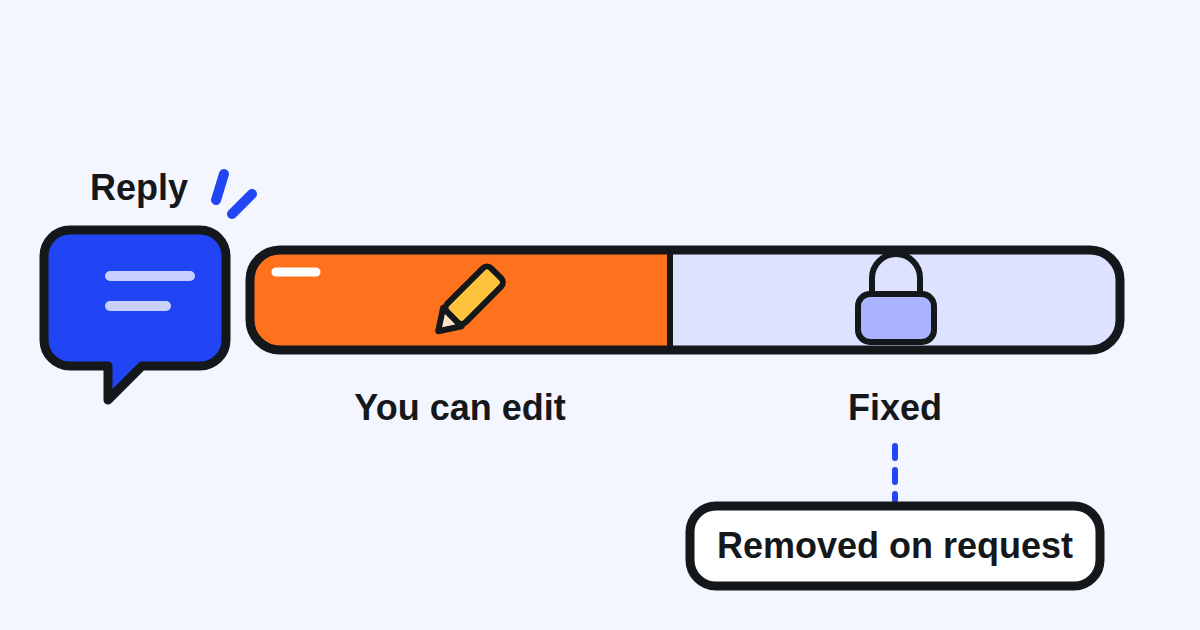
What to do: write the reply once, calmly, and read it again before you submit it. Read it a second time the same day. A mistake you notice on the fourth day stays online until Grab takes it down.
What should a reply to a bad review say?
Grab Malaysia's guide to becoming a 5-star merchant gives its advice on answering reviews in six short points. Treat negative reviews29 as feedback to improve on, not as an attack. Respond promptly, apologise30, and show that you care. Publicly address how you're31 fixing the problem: its own example answers a complaint about spilled food by saying the restaurant is working on better packaging32. And offer contact information so that you can resolve the issue privately33.
Take care with that last point. A reply is public, and Grab's help centre treats personal information, including names, addresses or phone numbers34, as grounds to remove a review. Give the restaurant's business line, never a staff member's personal number, and never repeat anything the customer wrote about themselves.
Outside Grab, consumer research points the same way. In BrightLocal's 2026 survey of consumers of local businesses, generic or templated replies put off 50% of consumers, who may see them as a sign of subpar customer care35. Speed counts too: 19% of consumers expect a response on the same day they post their review36, and 81% expect to hear back within a week37. That survey is about local businesses in general, not delivery apps, so read it as a direction rather than a GrabFood figure.
In practice, a good reply to a bad review fits in two sentences: what went wrong, and what you changed. For example: "Sorry the soup arrived spilled, and thank you for telling us. We have moved to sealed containers this week." It names the problem in the customer's words, it does not argue, and it tells the next reader that the problem is fixed.
Should you reply to good reviews too?
Yes, briefly. Grab presents the reply as a way to thank customers as much as to answer complaints2. Grab publishes no figure on what replies do to orders, so the best evidence comes from elsewhere. A 2022 study of Google business profiles found that a business that responds to 100% of its reviews, as opposed to none, sees its conversion rate improve by 16.4%38, and that the most significant improvement occurs when a business responds to just 75% of its reviews39. In BrightLocal's survey, far fewer consumers are likely to use a business that responds only to positive (45%) or only to negative (47%) reviews40 than one that answers all of them: 80% say they are likely to use a business that responds to all of its reviews41.
What to do: answer every one and two star review first, oldest first. Then thank the good ones, one line each, naming the dish or the detail the customer liked, so the reply never reads like a template.
Which reviews will Grab remove, and which will it keep?
Grab keeps every opinion on your food: taste, preparation, packaging, portion and price4. It removes a review on report when it finds in it hateful, offensive or sexual content42, spam or advertising for other merchants43, false information, such as claims about items that were not ordered or incorrect pricing44, personal information34, or feedback meant for the driver or the platform instead of your food or service45. Malaysia's help page, as served in October 2026, lists its own guidelines for the reviews that will be removed46 and names three of them: hateful content, spam and personal information. If a review there is about the delivery rather than your food, report it anyway and see what Grab decides.
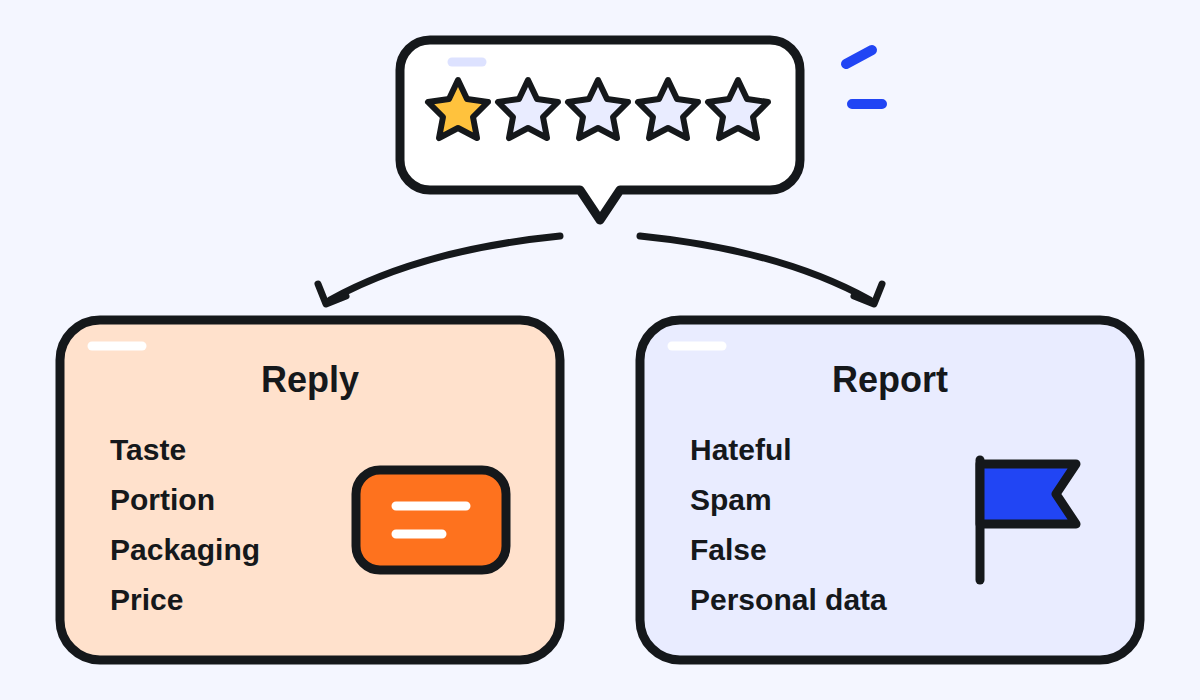
How to report one:
- Singapore, the Philippines, Thailand. In the Feedback tile, tap What does this mean at the top of the screen47 and follow the steps. Thailand adds a first step: take a screenshot of the review you want to report48.
- Malaysia. Grab's Malaysian page does not give the steps. Look for the same option in the Feedback tile, and ask Grab's support in the app if it is not there.
- Vietnam. Tap the three dots on the review and choose 'Báo cáo' (Report). Grab verifies the report within 05 working days49, and each review can be reported only once50, so choose the right reason and attach your evidence the first time.
- Indonesia. On GrabMerchant Portal, click the review, then enter your reason and a description of why it should be reported51.
A negative line can also slip into a Review Snippet: Grab says that while its algorithms aim to show only positive reviews, there may be rare instances where a negative review slips through52, and the same help page carries a form to report it.
What to do: report only what fits one of Grab's grounds, and answer everything else. A complaint you disagree with is still a review about your food, and the reply is the only place where you get the last word.
How do you get more reviews from happy customers?
Ask the right people. All reviews on your GrabMerchant page come from verified Grab users only53, so the customers who just ordered are the ones who can write one. Grab Malaysia's guide suggests a call to action through stickers, cards, or rider instructions54 to remind consumers to leave reviews55. A small card in the bag, asking for a review and saying what to do if something went wrong, does both jobs at once.
What should you check each week?
- New reviews in the Feedback tile, filtered to one and two stars first.
- Every low review answered: what went wrong, what you changed, in two sentences.
- Your replies of the last three days, read once more while you can still edit them.
- Reviews that break Grab's rules, reported with a screenshot.
- The Incidents screen: Grab lists there the customer incidents attributed to your store56, which often explain a run of low ratings before the reviews do.
- The good reviews, thanked in a line that names what the customer liked.
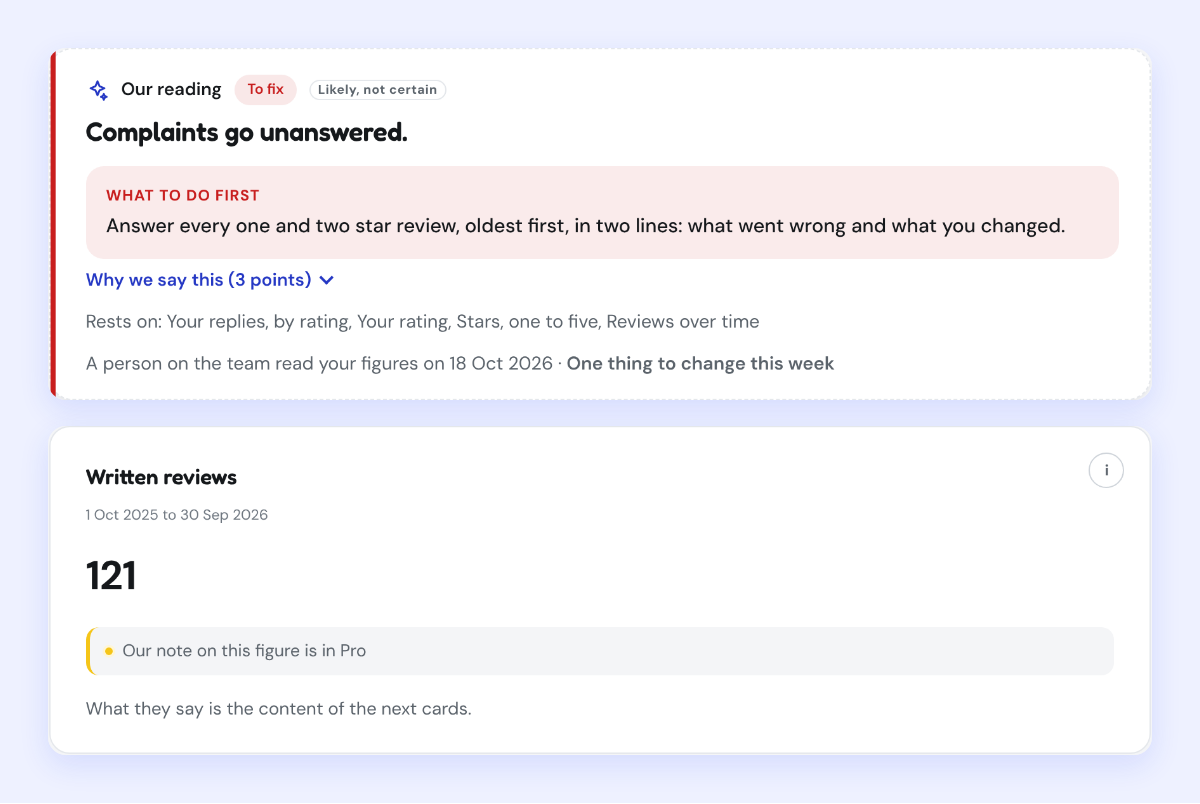
Kontimo reads a restaurant's GrabFood reviews and ratings each month, and says in plain language which complaints come back and which ones are still waiting for an answer.