JournalArticlesRank & Get Found
GrabFood best seller: find your top dishes and use them
How to find your GrabFood best seller dishes in GrabMerchant's Menu Insights, and what to do with them: place them first, keep them in stock, pair them, prune.
Singapore, Malaysia, Thailand, Philippines, Vietnam, Indonesia. Published , by Kontimo
Your GrabFood best seller dishes are in the GrabMerchant app, under Menu Insights, which ranks your menu items by units sold, sales generated and share of sales over up to 90 days1. Menu Insights tells you which dishes carry your sales, and the menu works best when it is built around them: placed where customers look first, never out of stock at the rush, paired with what customers already order with them, and given the photo and the price they deserve. The dishes that never sell deserve a question too. This article shows where Grab gives you the figures, how to read them, and five things to do with your best sellers this month.
Where do you see your best selling dishes?
In the GrabMerchant app, tap the Menu icon on the Home tab2, then the Insights tab3. You can sort and filter the list by duration, units sold, gross sales or customer rating4, and tap an item to see a chart of its sales trend5. Grab's quick guide to Insights describes the same view as the place where you can identify your most popular menu items and plan for future sales6.
On a computer, the GrabMerchant portal has a Menu section in its Insights tab that shows which items are most or least popular based on units sold7. Malaysia's guide describes it as the place to analyse your menu's performance, track popular items and create combos8, and the data can be downloaded as a PDF or a CSV for the past 90 days9. If you run several stores, the portal is where you compare them.
Which window should you read?
Choose the window before you read the ranking. The app lets you look back over periods from 7 days ago19 up to a maximum of 90 days ago20.
- 7 days shows what is happening now: a new dish catching on, a dish that stopped selling after a price change.
- 30 days is the one to run the menu on: long enough to smooth out a rainy week, short enough to reflect your current menu.
- 90 days shows which dishes are your restaurant, whatever the season.
Read the ranking twice, once by units sold and once by gross sales4. A cheap side dish can sell the most units and bring little; a dish that sells half as often at twice the price may matter more to your month.
What should you do with your best sellers?
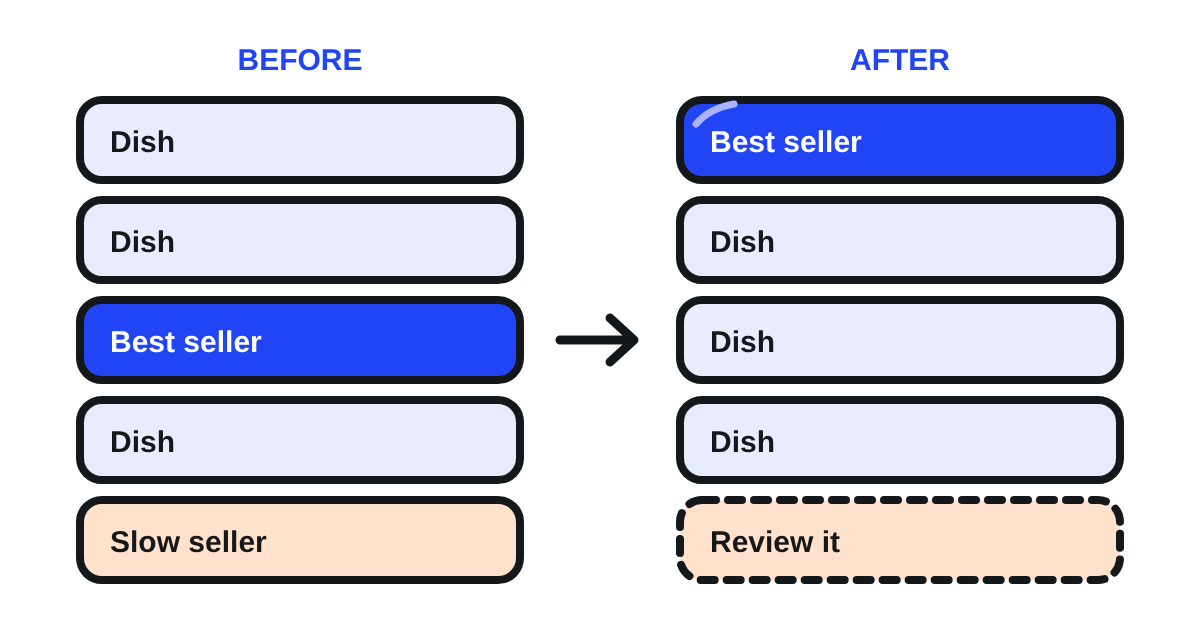
Put them first. Research on printed restaurant menus found that placing menu items at the beginning or end of their category increases their popularity by about 20%12, in two studies published in Judgment and Decision Making13. Put your best seller first in its category, and put your best category near the top of the menu.
Never let them run out unannounced. A best seller that runs out at 8 pm loses its orders and can lead to cancellations. If you cook it in batches, a sales limit can help prevent overselling when stock runs out14, and when it does run out, mark it unavailable at once: Grab's own best practices tell merchants to update out-of-stock items to avoid disappointing consumers15.
Pair them. Menu Insights also suggests combinations: it shows popular menu item combinations so you can create combo pairings10, and you can add a recommended combo to your menu in a few taps from the Insights tab11. A combo built on what customers already order together can raise the basket without asking them to change their habits.
Give them the best photo. Adding photos helps customers visualise your dishes, making them more likely to order16. Your best seller should have your best picture, square, as Grab asks: photos should be in a 1:1 aspect ratio17.
Watch their price. Higher prices on GrabFood may discourage customers from ordering, as they can easily compare options on the app18. A best seller is the dish customers compare most; check it against the same dish at the restaurants around you before you change it.
What about the dishes that never sell?
Look at the bottom of the same ranking over 30 or 90 days7. A dish that sells almost nothing costs you more than its space on the menu: it makes the menu longer to scroll, its ingredients sit in your kitchen, and it can hide the dishes that do sell. Before removing one, ask three questions. Does it have a photo and a description? Is it in the right category, or buried at the bottom of a long one? Has it sold better in another season? If the answer to all three is no, take it off or merge it into a combo with a best seller.
Is the best seller the same in every market?
The screens are the same app, but each market's help centre describes them in its own words. Thailand's article describes Menu Insights in the app1; Malaysia's and Singapore's describe the Menu section of the portal78. If you do not see Menu Insights in your app, check that your GrabMerchant app is up to date, then ask Grab support which view your market offers.
What should you check this month?
- Your top five dishes by units sold and by gross sales over 30 days.
- Where each of them sits in its category, and whether it is first.
- Whether each has a sales limit or is switched off the moment it runs out.
- The combos Menu Insights recommends, and whether one is worth adding.
- The photo of each best seller: square, sharp, appetising.
- The five dishes at the bottom of the ranking, and whether to keep them.
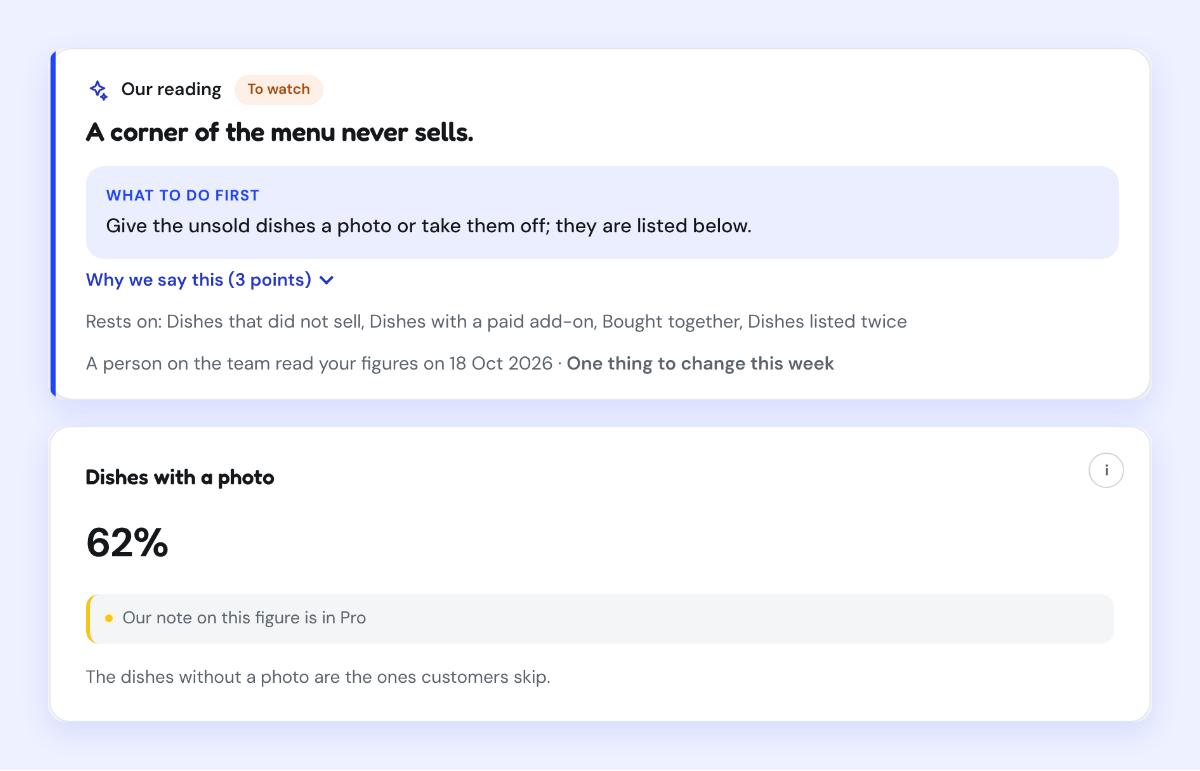
Kontimo reads your GrabFood menu each month, dish by dish, and says in plain language which dishes carry your sales and which ones to rethink, so your menu keeps working for you.
Sources 20 documents, every figure traceable to one
- Menu Insights new features explained (Thailand), text of the article (read on 2026-10-17)
Menu item performance: Get visibility into your top-performing menu items based on units sold, sales generated, and percentage sales contribution (up to 90 days).
- Menu Insights new features explained (Thailand), text of the article (read on 2026-10-17)
Tap the Menu icon on the Home tab.
- Menu Insights new features explained (Thailand), text of the article (read on 2026-10-17)
Next, tap the Insights tab.
- Menu Insights new features explained (Thailand), text of the article (read on 2026-10-17)
Sort and filter information by duration, units sold, gross sales, or customer rating.
- Menu Insights new features explained (Thailand), text of the article (read on 2026-10-17)
Tap on an item to see a detailed chart of its sales trend.
- Quick guide to GrabMerchant Insights (Grab merchant help centre, Thailand), text of the article (read on 2026-10-26)
Bestseller items You can identify your most popular menu items and plan for future sales forecasts.
- Understanding insights in the GrabMerchant Portal (Grab merchant help centre, Singapore), text of the article (read on 2026-11-09)
Menu: Displays the performance of your menu items, showing which items are most or least popular based on units sold.
- How to view Business Insights (Grab merchant help centre, Malaysia), text of the article (read on 2026-11-09)
Analyse your menu’s performance, track popular items, and create combos based on customer preferences.
- How to view Business Insights (Grab merchant help centre, Malaysia), text of the article (read on 2026-11-09)
Insights can be downloaded in PDF and/or CSV format (for data from the past 90 days).
- Menu Insights new features explained (Thailand), text of the article (read on 2026-10-17)
Combo suggestions: Discover popular menu item combinations to create combo pairings that appeal to your customers.
- Menu Insights new features explained (Thailand), text of the article (read on 2026-10-17)
Scroll down on the Insights tab to find recommended combo deals, which you can add to your menu in just a few taps.
- Nudge to nobesity II: Menu positions influence food orders (read on 2026-09-02)
placing menu items at the beginning or end of their category increases their popularity by about 20%
- Nudge to nobesity II: Menu positions influence food orders (read on 2026-09-02)
Judgment and Decision Making
- Set up GrabFood sales limit (Grab merchant help centre, Malaysia), text of the article (read on 2026-11-03)
Setting a sales limit for an item can help prevent overselling when stock runs out.
- GrabMerchant Best Practices: Easy Tips for Successful Order Management on Grab (Grab merchant help centre, Singapore), text of the article (read on 2026-11-09)
Monitor Menu Availability: Update out-of-stock items to avoid disappointing consumers.
- Setting up pricing & menu optimisation (Grab merchant help centre, Singapore), text of the article (read on 2026-11-04)
Adding photos helps customers visualise your dishes, making them more likely to order.
- Setting up pricing & menu optimisation (Grab merchant help centre, Singapore), text of the article (read on 2026-11-04)
Photos should be in a 1:1 aspect ratio.
- Setting up pricing & menu optimisation (Grab merchant help centre, Singapore), text of the article (read on 2026-11-04)
Higher prices on GrabFood may discourage customers from ordering, as they can easily compare options on the app.
- Menu Insights new features explained (Thailand), text of the article (read on 2026-10-17)
7 days ago
- Menu Insights new features explained (Thailand), text of the article (read on 2026-10-17)
Maximum 90 days ago
Every figure above comes from one of these documents, as it stood on the date given. Your own contract and statements are the figures that count for your restaurant.